The Consultation Note- Previous Notes

The Consultation Note- Previous Notes

Updated:

Table of Contents

Accessing Previous Notes from Previous Notes

On the Patient Timeline, click the Previous notes button.

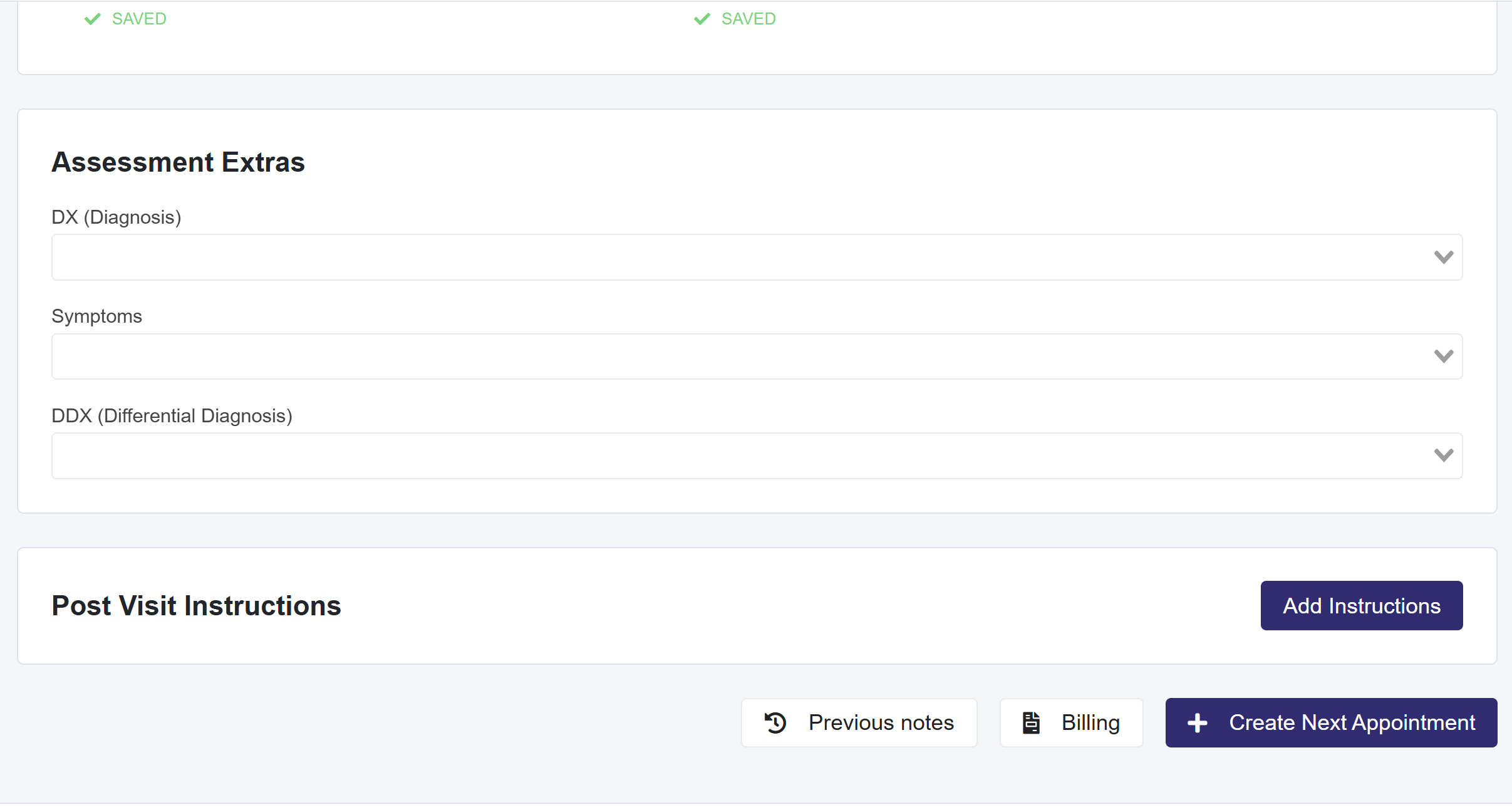
Accessing Previous Notes from Bottom of Consultation Notes Page

At the bottom page, click the Previous notes button.
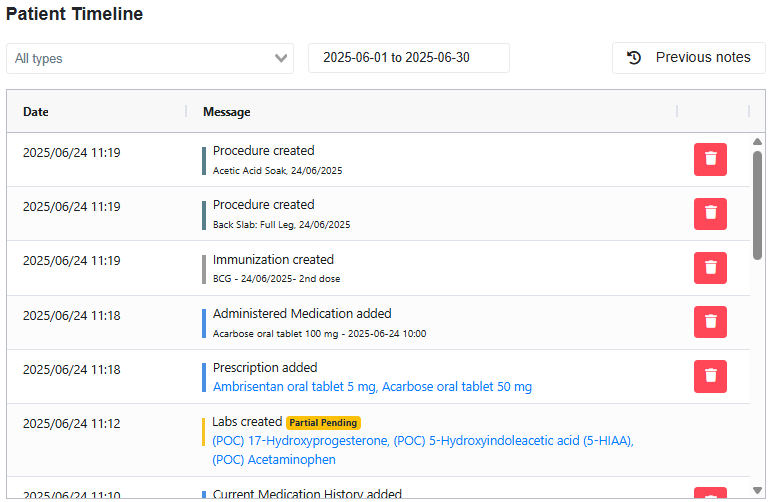
Previous Notes (Within the Patient Timeline section and below Post Visit Instructions)


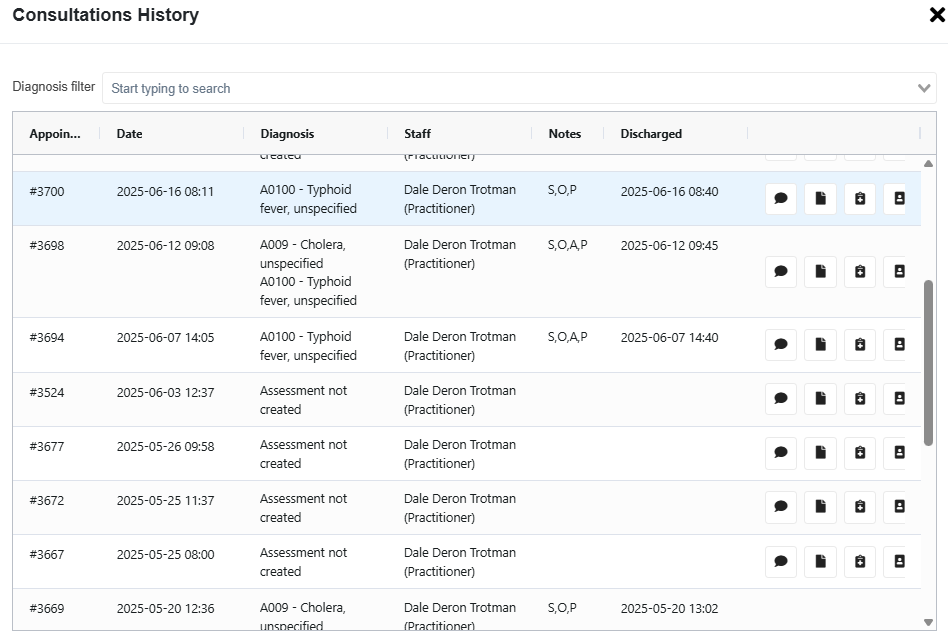
  1. Selecting this button will open a pop-up displaying all previous notes for review.
    • In the last column, you will see 4 action buttons:
      • Thought Bubble icon- To add an Amended Note
      • Paper icon- To view that note
      • Clipboard Icon- Create a Referral Letter from that note
      • Record with patient icon- Create a Clinical Summary from that note.
  2. The Diagnosis Filter allows users to search for Consultation Notes by Diagnosis.
Scroll to Top