Skip to content
Contact
Account
Contact
Home
For: Clinicians
Left Taskbar Options
Departments
Departments
Updated:
07/07/2025
Like
Table of Contents
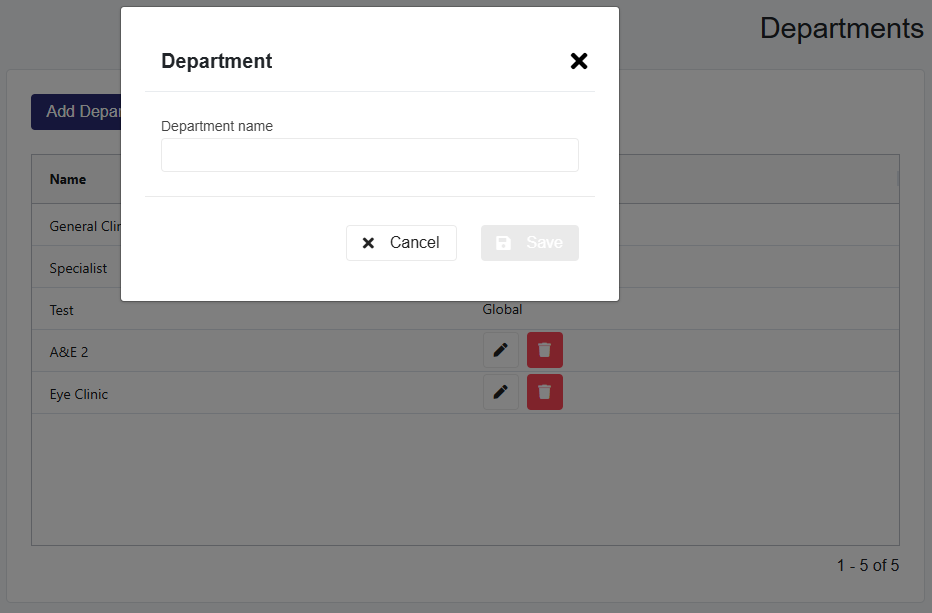
Add a Department (Clinic Admin Plus)
Click the
Add Department
button.
Enter the department name in the pop-up and click
Save
.
Assign a Department to Professionals (Clinic Admin Plus)
Navigate to the
Professionals page
.
Select the user and click the
edit icon
.
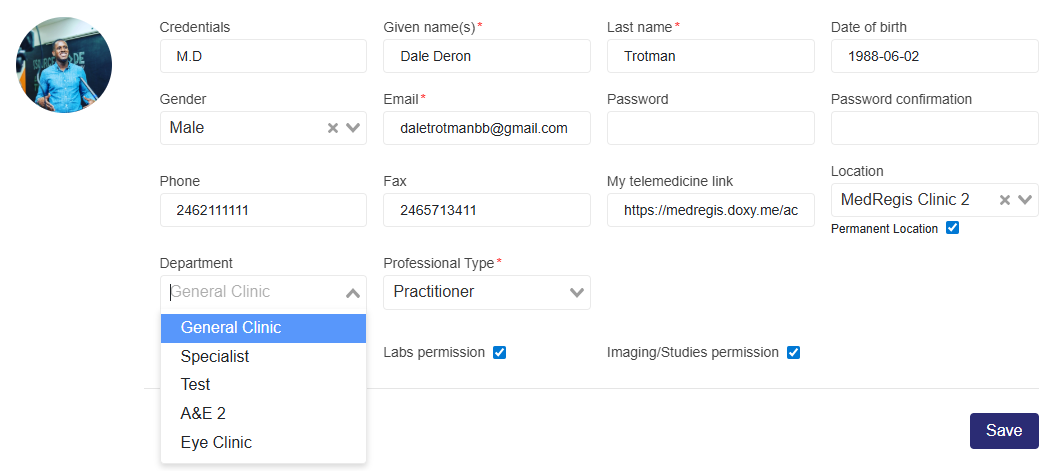
Use the
Departments dropdown
to assign the user to a department.
Prev
Previous
Departments
Next
Professionals
Next
Who Needs to Log In →
Tags:
department
Scroll to Top