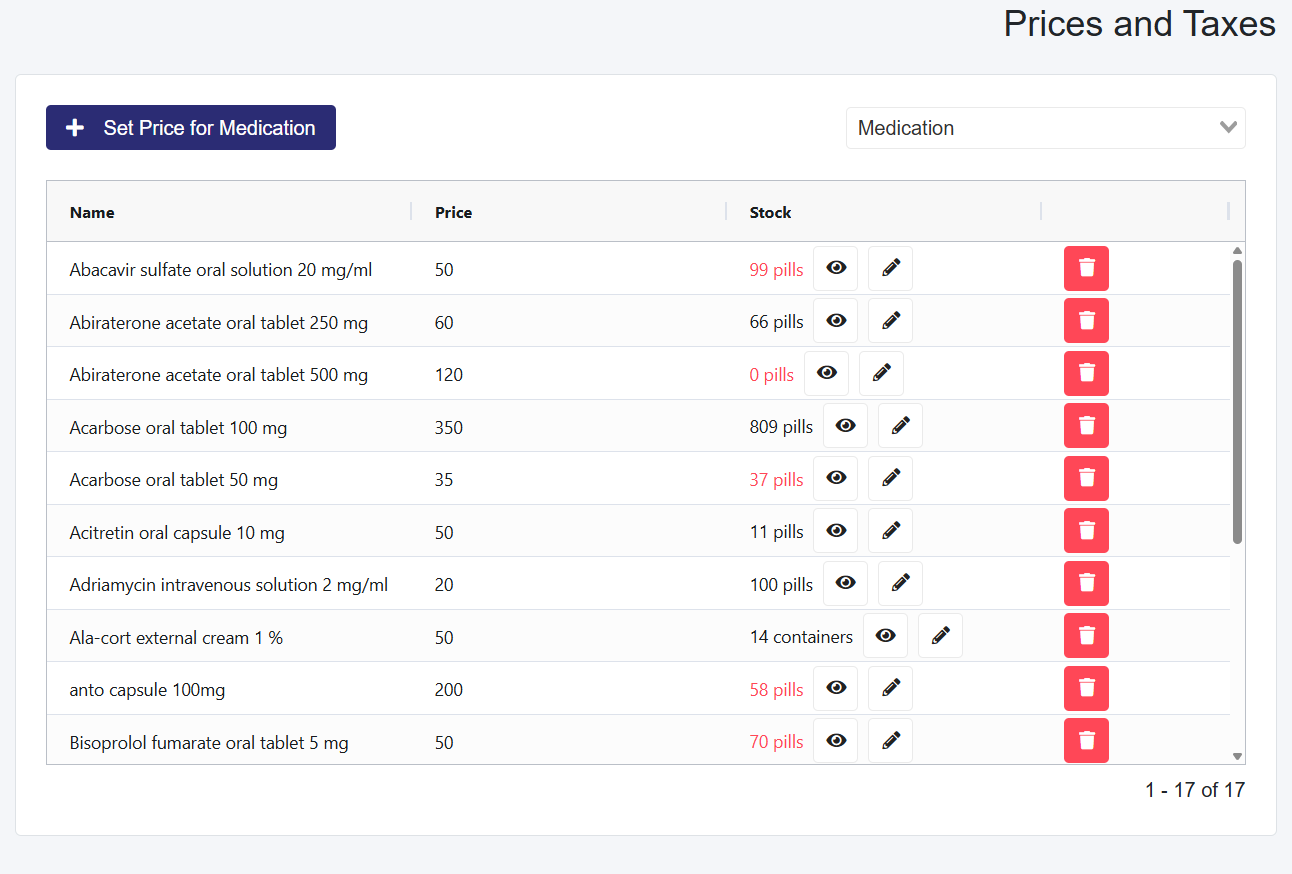
Go to the Billing dropdown and select Pricing and Taxes.
By default, you will be on Medications, where you will see a table that has saved medications, or it will be empty due to no medications being created as yet.
If no medications are created, you have to make them first before you create the Inventory.
Select the medication you want to create an inventory for within the table by selecting the Set Stock button.
Enter the Current Stock amount and the Stock Unit.
Select the Enable Notification checkbox to enter the Notification Threshold, which alerts when the user has fallen below a specific amount.
This notification will show in the Notifications Center.