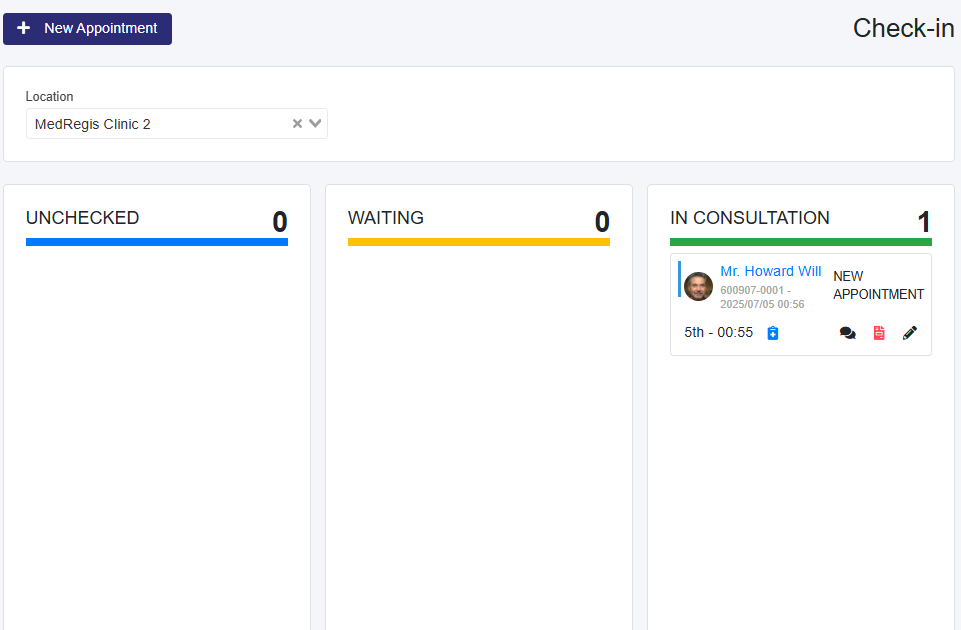
- On the Check-In page, place the appointment in In Consultation, using the right arrow to move it to the ‘In Consultation’ column.
- Click the appointment card to start the consultation, which will take you to the Consultation Notes page.
Please Note: Once the Appointment is placed 'In Consultation' and Vitals are entered, a blue clipboard icon with a cross will appear and is clickable, showing the last entered vital signs.