Table of Contents
Types of Notifications
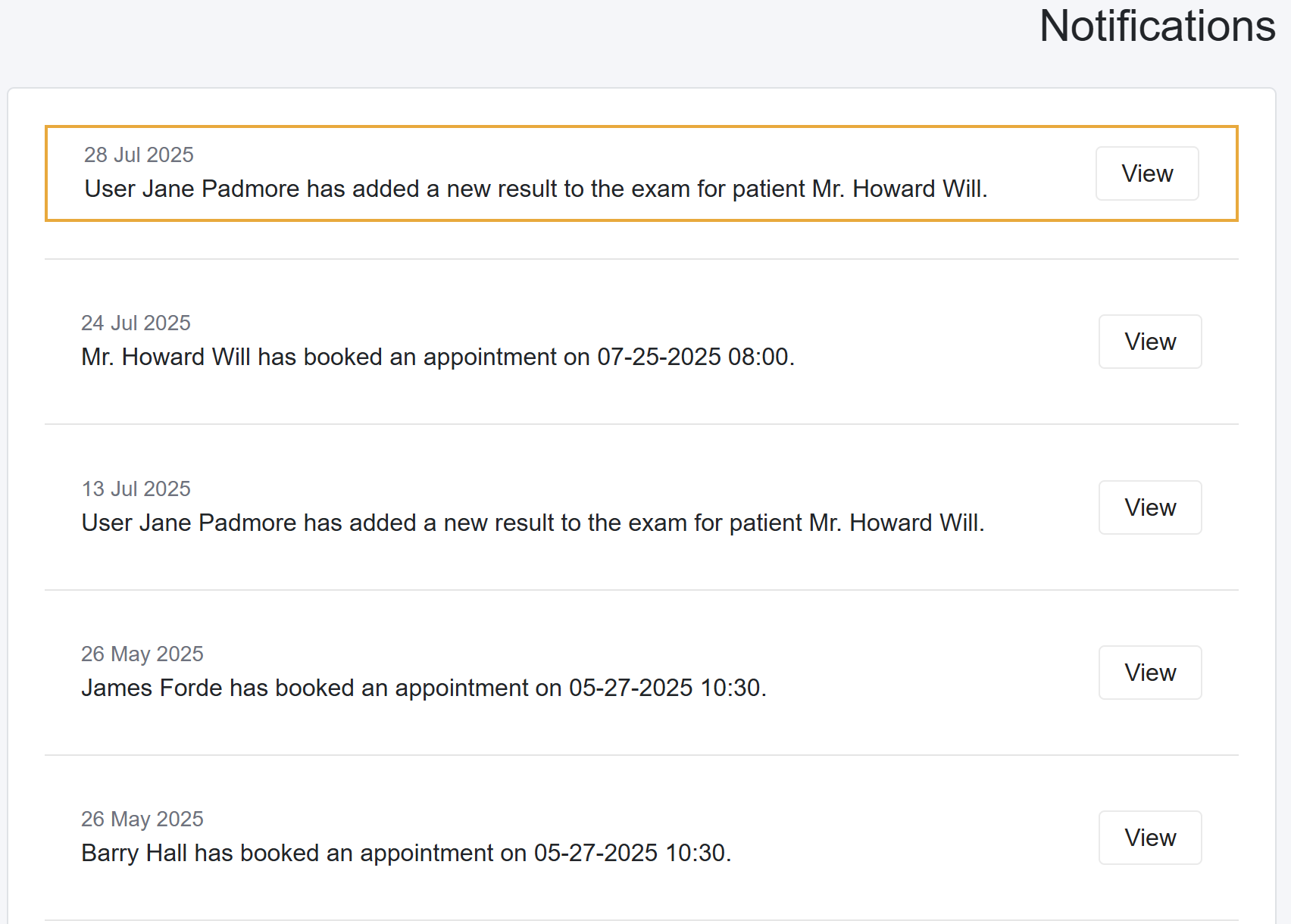
The notification center consolidates most notifications. Below are the notifications displayed in the notification center.
- Patient Created Appointments
- Lab Results uploaded for Pending or Partial Pending labs
- Inventory stock levels updates
- From the Patient Portal, when patients upload Vital Signs and Documents
- When the patient provides access to their Patient Portal.
- Notifications from MedRegis

New Notifications
When the system has new notifications, the bell icon in the top-right corner of the taskbar displays the number of unread messages. Additionally, when you log in and there are unseen notifications, the system redirects you to the Notification Center.