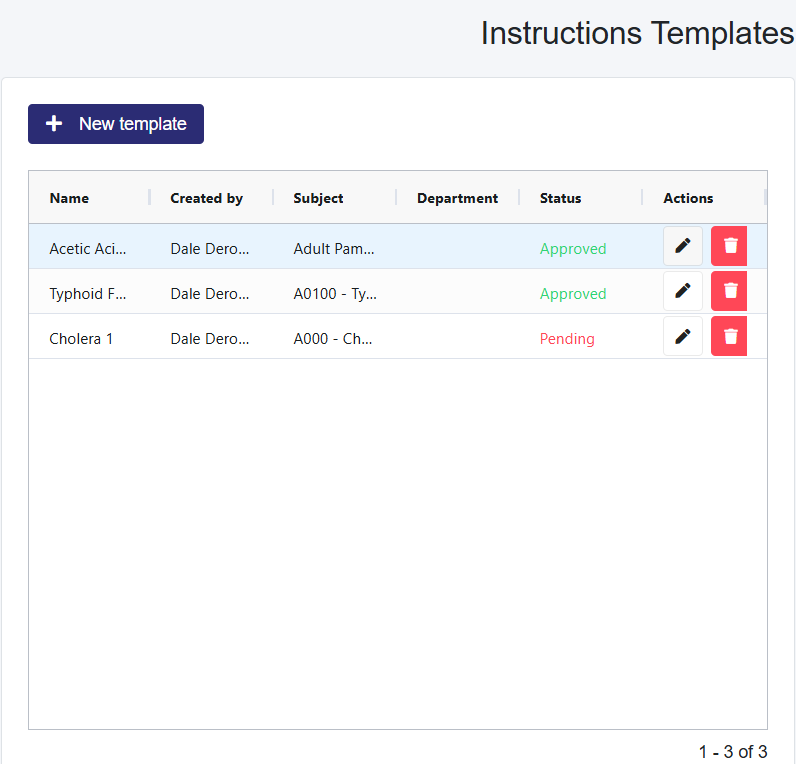
When the system has new notifications, the bell icon in the top right-hand corner of the taskbar will update the # of unapproved post visit instruction templates. These templates require approval before they can be shared.
Post Visit Instructions Notification Center Explanation (Clinic Admin and Admin Plus)
The Post Visit Instructions Notification Center enables administrators to be notified when new Post Visit Instructions created by staff members or themselves require approval.
Approving a Post Visit Instruction (Clinic Admin and Admin Plus)
Select the edit icon (pencil) for a template that has a Status of Pending.
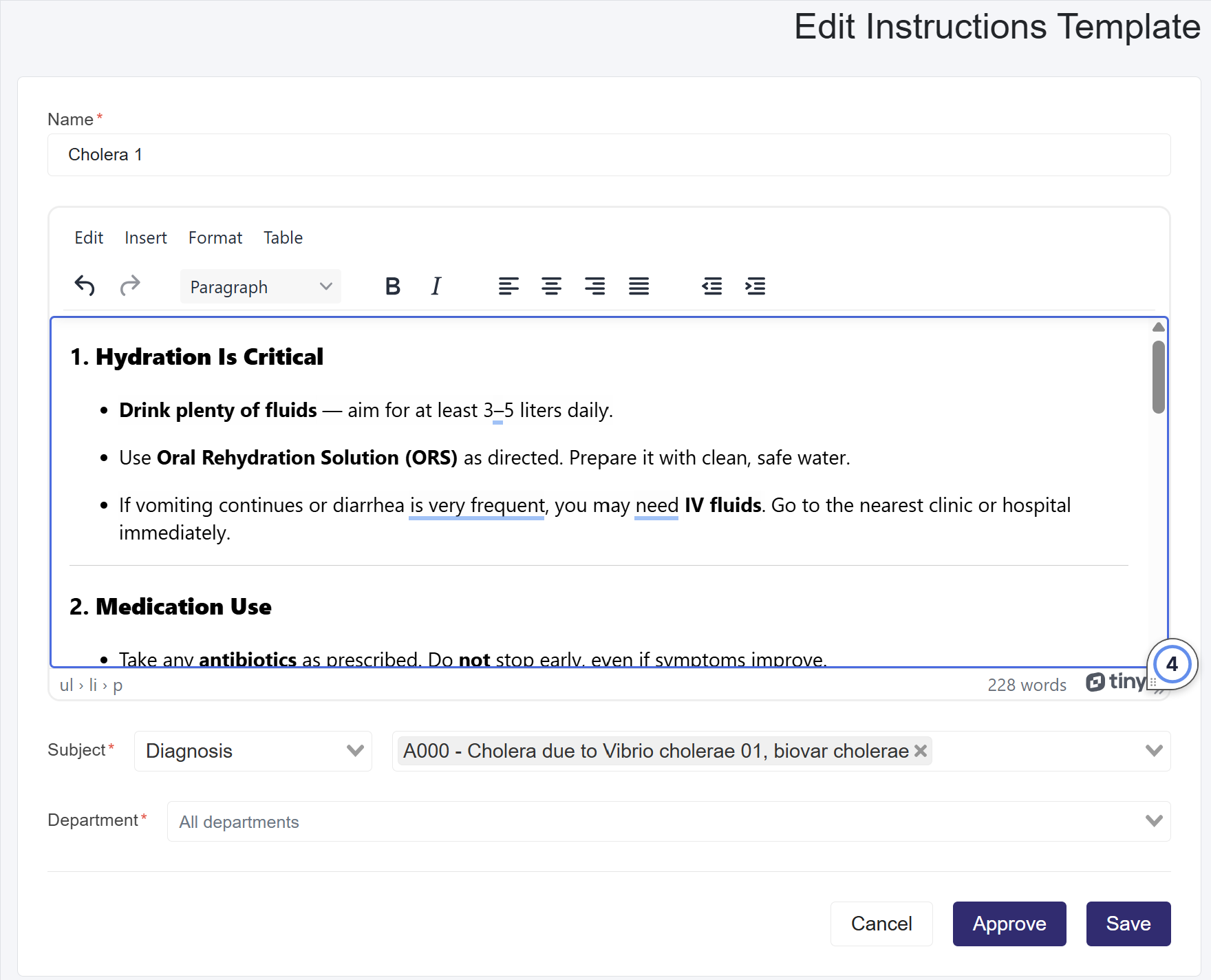
This will load the template.
Review the template and Select the Approve button at the bottom.