Notification Center

Updated:

Table of Contents

Types of Notifications

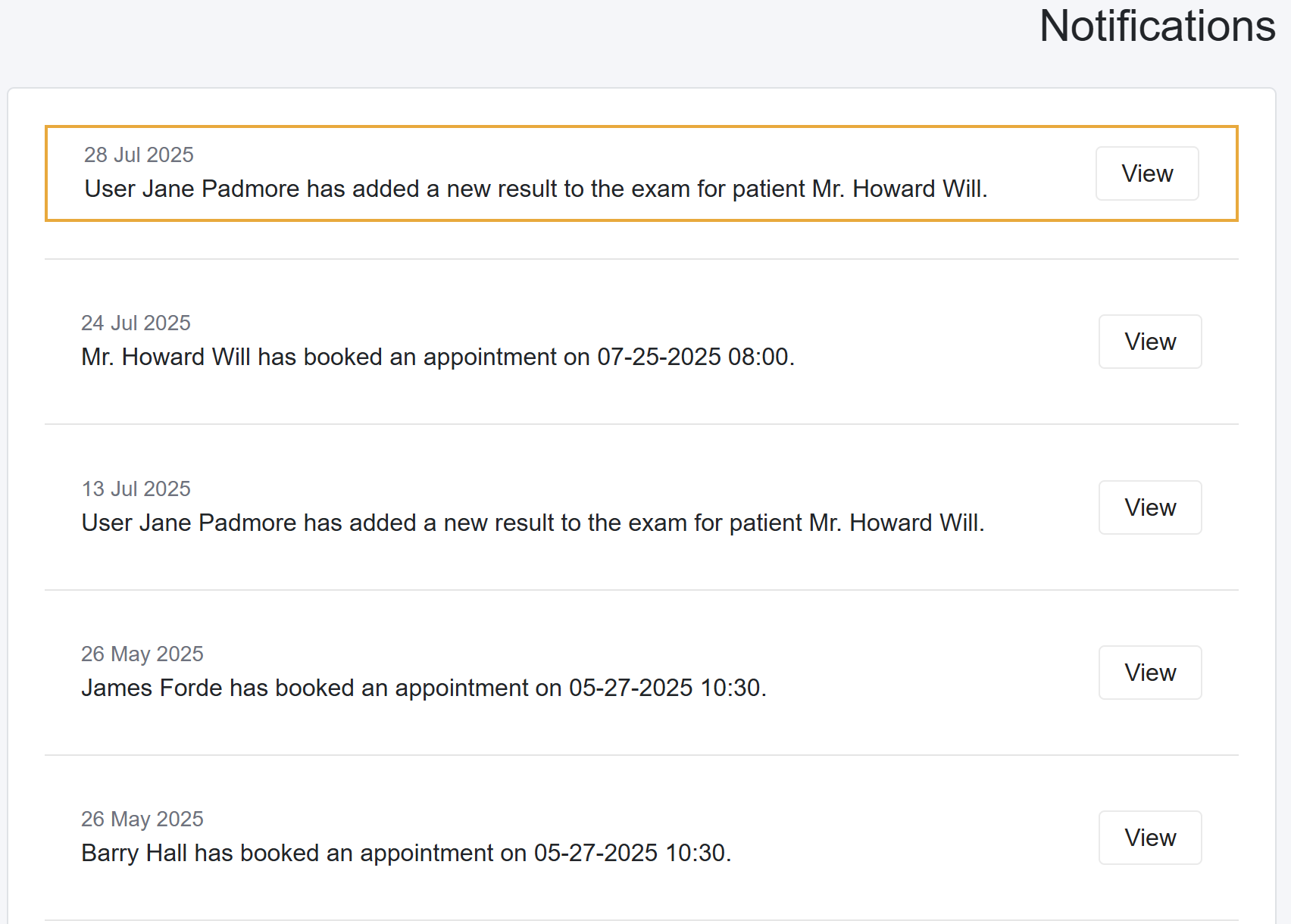
The notification center consolidates most notifications. Below are the notifications displayed in the notification center.

  1. Patient Created Appointments
  2. Lab Results uploaded for Pending or Partial Pending labs
  3. Inventory stock levels updates
  4. From the Patient Portal, when patients upload Vital Signs and Documents
  5. When the patient provides access to their Patient Portal.
  6. Notifications from MedRegis


New Notifications

When the system has new notifications, the bell icon in the top-right corner of the taskbar displays the number of unread messages. Additionally, when you log in and there are unseen notifications, the system redirects you to the Notification Center.

Scroll to Top