Patient Portal Activation

Patient Portal Activation

Updated:

Table of Contents

How do Patients create their Patient Portal?

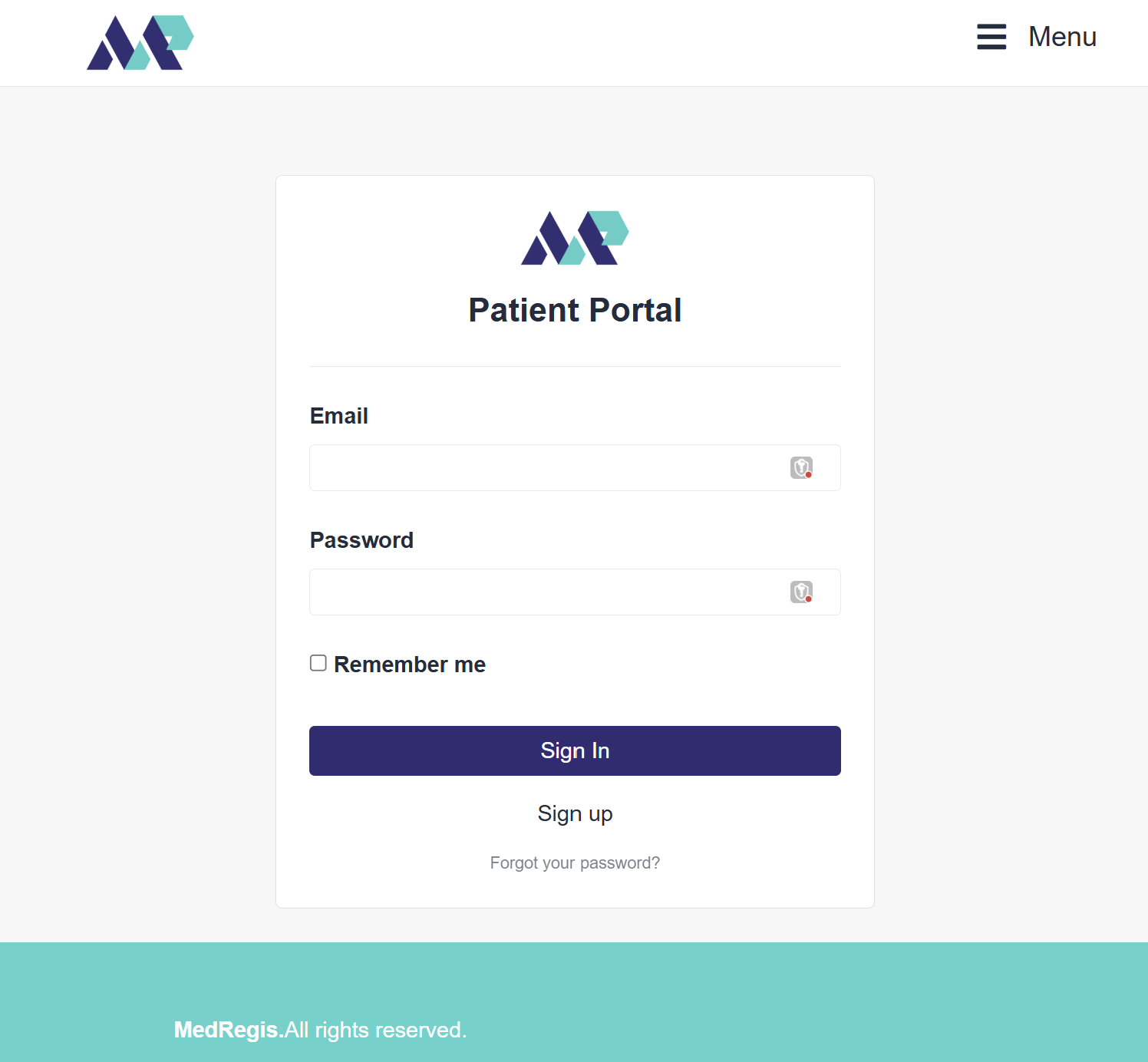
  1. Direct patients to the website, where they will select the "Patient Portal" button next to the login button in the top taskbar's left side, or go to www.medregis.com/patient_portal/patient_users/sign_in
  2. Select the Sign up button.
  3. Enter your information and select the Sign Up button.
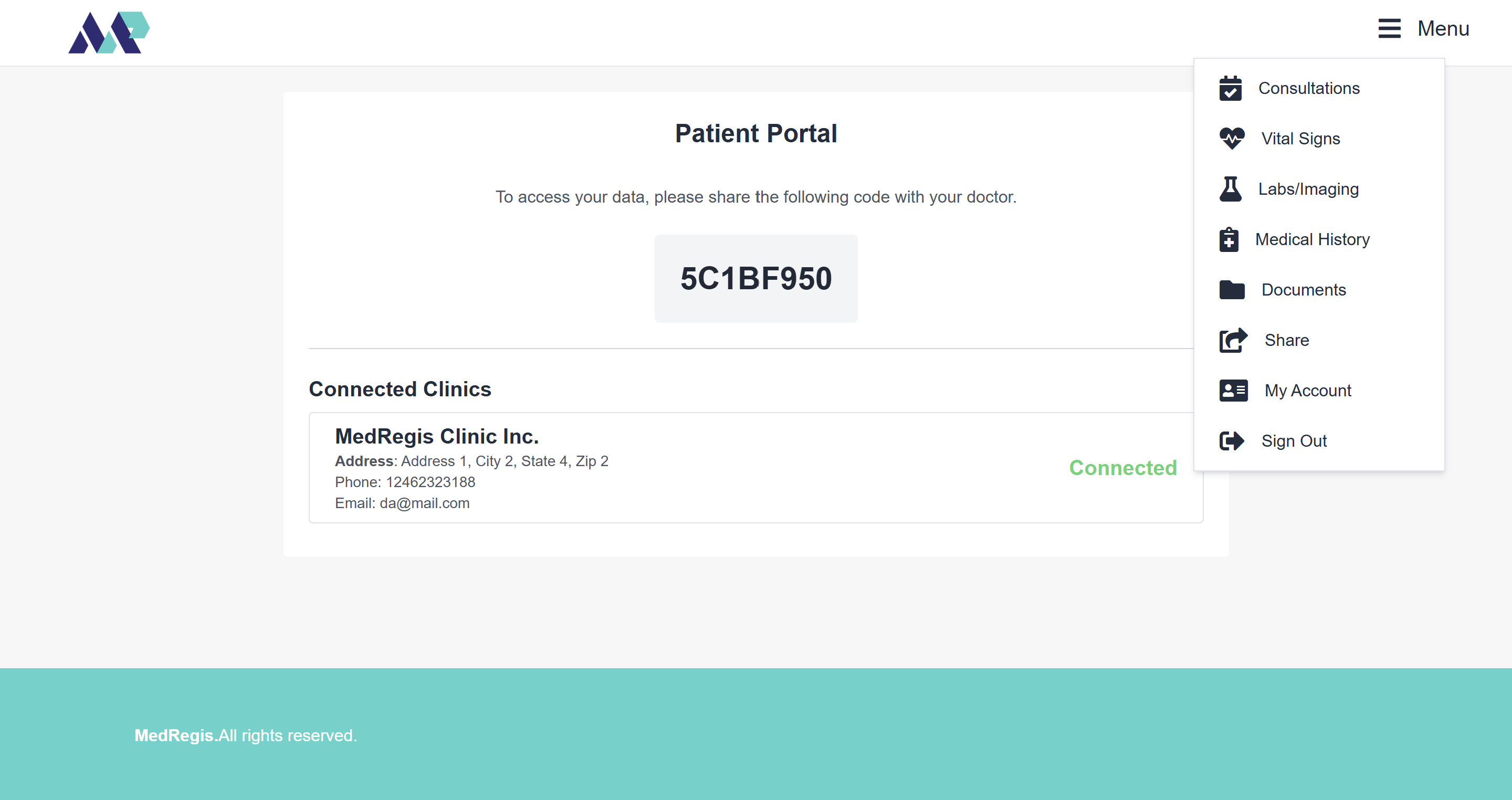
  4. This will log you in, and you will see your Patient Portal code.

How can Clinics connect with their Patients?

  1. Patients will provide their unique Patient Portal code to any clinic that uses our system.
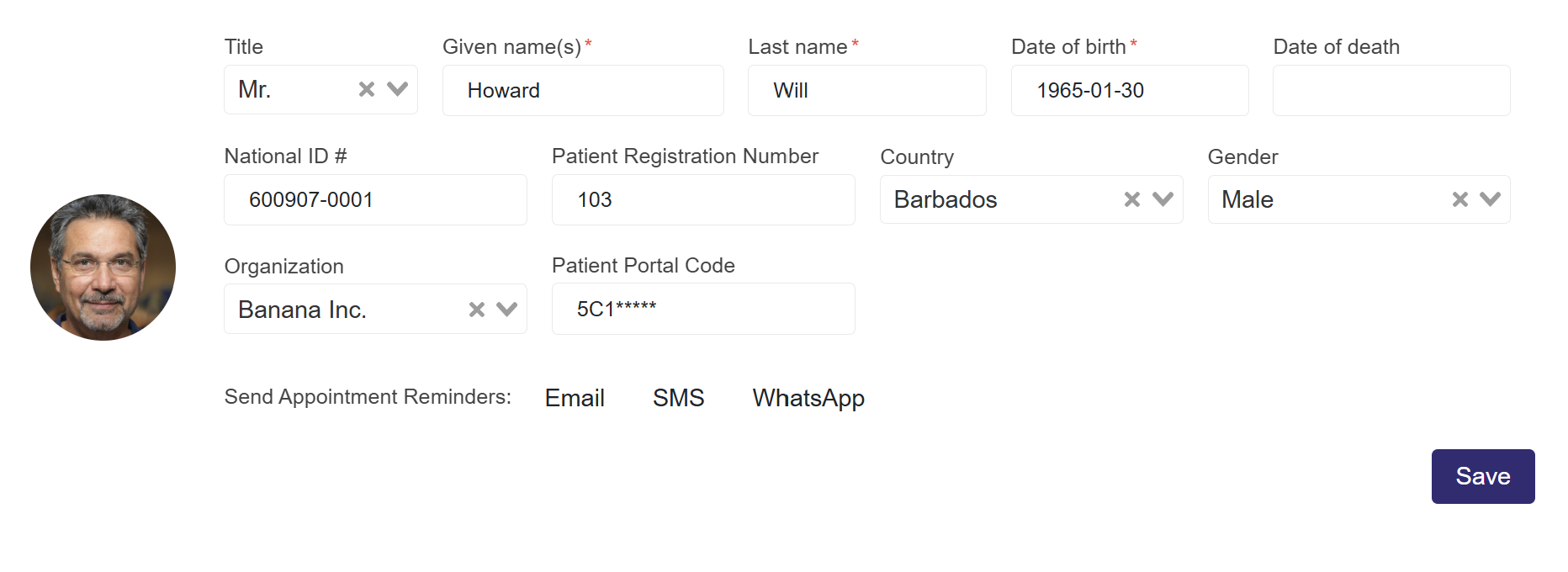
  2. A user in the clinic will navigate to the Patient's profile and enter the code in the Patient Portal Code textbox located in the top section, where the Given Names, Last Name, Date of Birth, and other options are displayed.
  3. Hit the Save button, and the Patient is now connected.

What can Patients do on the Patient Portal?

Appointments: View Previous and Upcoming appointments, along with any Clinical Summaries and Post-Visit Instructions shared with the Patient for each appointment.


View Vital Signs, Labs, and Imaging (including results), Medical History (Diagnosis, Allergies, Medications, Immunizations, etc.)
Scroll to Top